
Set up synchronization in 30 seconds
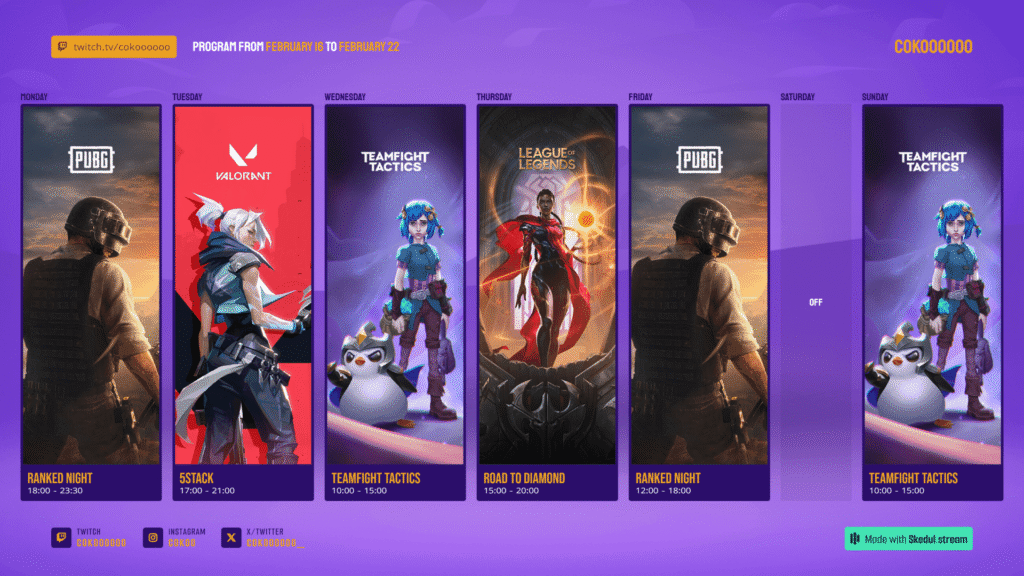
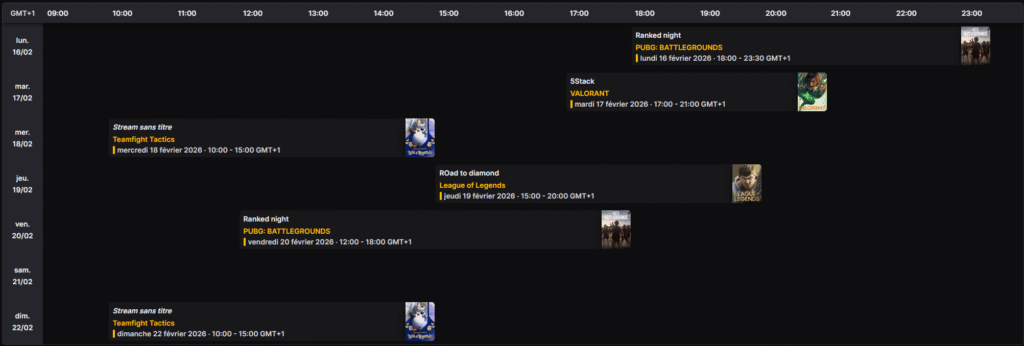
Now, you can create your stream schedule in our Creator Studio and automatically send your activity details directly to your Twitch channel schedule.
- Just go to the dedicated page to link your Twitch account, available here.
- Authorize access between Skedul and Twitch.
- And that’s it! Your activities will be automatically added to your Twitch schedule the next time you save.
Requirements
To ensure the Twitch sync works perfectly, please keep the following in mind:
- You must have a Twitch Affiliate or Partner account.
- You must set a start time for your activities.
- The schedules of two activities cannot overlap.
Pro-tips for optimization
- Fill in your activity categories: Make sure they are correctly assigned.
- Keep titles clear: Avoid complex special characters that could interfere with the API.
- End times: If an activity has no end time set, a default duration of 30 minutes will be applied.
A well-organized Skedul plan = A perfectly synced Twitch schedule.