



Find answers to the most frequently
asked questions about Skedul
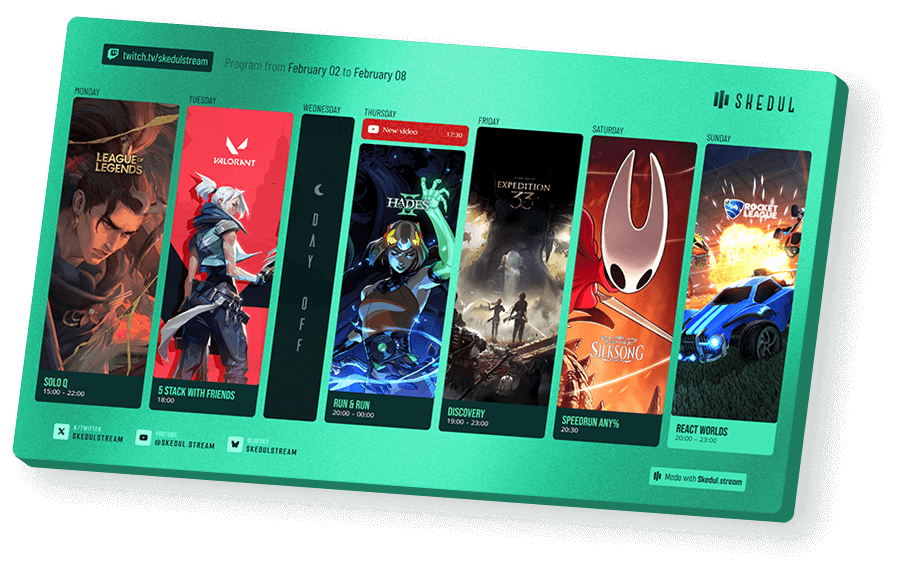
Skedul is a tool designed to make online stream scheduling easy. Create, customize, and share your stream schedule for free on both desktop and mobile. With Skedul, design a Twitch schedule that fits your style and share it with your community in an instant. For more details, check out the Skedul introductory article by following this link!
Skedul Explorer is a directory featuring content creators’ activities, listing all their upcoming streams. When you create and publish your schedule using Skedul Studio, you are automatically listed on Skedul Explorer. Check out our article about the Skedul Explorer launch to find out more!
Skedul Studio is an online tool dedicated to creating stream schedules for Twitch and other streaming platforms. Designed for content creators, it allows you to easily create tailor-made Twitch schedules in both Desktop and Mobile formats to showcase your upcoming lives to your community.
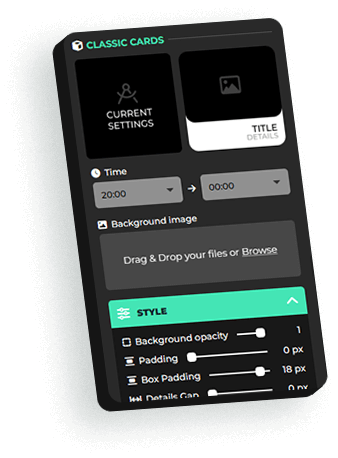
Thanks to its intuitive editor, the Skedul Studio schedule builder gives you the ability to add all your planned activities. Every element of your stream schedule can be fully customized: Twitch categories, time slots, titles, visuals, and graphic style.
Watch a full presentation video of the Studio on our YouTube channel,available here. (French version with subtitles)
Skedul offers numerous benefits to streamers who create their schedules using our tools.
The Creation Studio provides ease of use and effortless sharing, allowing you to get a high-quality Twitch schedule in both Desktop and Mobile formats—without necessarily needing a graphic designer (whom you’d probably be bothering on a Sunday night anyway).
Publishing your stream schedule and sharing its link puts you directly on Skedul Explorer. It also gives your community 24/7 access to an up-to-date schedule, even if you make last-minute changes during the week.
Skedul gives you 24/7 access to streamers’ schedules, even if changes are made during the week.
Skedul Explorer also features a search directory to help you discover upcoming activities and programs from content creators on the platform. You can follow streamers and bookmark activities to build your own personalized lineup and get stream recommendations that match your interests!
Skedul supports you through the entire process of creating your stream schedule and makes it easy to share across all your social media platforms.
Thanks to the automatically generated interactive public link, your community can check your schedule 24/7—even if you update your stream times during the week.
With the automatic creation and export of your mobile schedule, you can also share your lineup in one click as an Instagram Story, on TikTok, or on any other social platform.
To discover all the available sharing methods, check out our comprehensive guide dedicated to sharing your schedule.
Skedul makes it easy to customize your Twitch schedule’s visual identity. With Skedul Studio, you have access to a wide range of settings to design a stream schedule that reflects your style: colors, fonts, layouts, and other adjustments let you create a schedule that matches your brand.
Check out our tutorial video to help you with the setup!
Skedul Studio allows you to simply drag and drop your upcoming streams onto your schedule. In just a few clicks, you can add and edit your activities to specify details: time slots, games, titles, and more. Move, swap, duplicate, or delete your activities in seconds! Skedul Studio also gives you the option to save recurring activities so you can reuse them from one schedule to another (Gold Plan).
Our Capsule video, available here, will guide you through the process!
Once your activities are placed on your Twitch schedule, you can edit the content of your upcoming streams! To optimize your schedule and improve its discoverability, be sure to include the title, category, and time slots for your activities. Find more information in our articles on how to edit activity content and how to customize the style of your activities.
In Skedul Studio, when you create the Desktop version of your stream schedule, a mobile version is automatically generated! This feature, available with our Gold plan, allows you to get an optimized visual for mobile social networks like Instagram or TikTok. Customize the background image and your activity visuals specifically for this format.
Check out our dedicated article for more details on how to do it.
X (Twitter) and Bluesky don’t always update the preview thumbnail for your link when changes are made. To fix this, we’ve provided a tutorial explaining the steps to follow: How to update the Twitter/X share image.
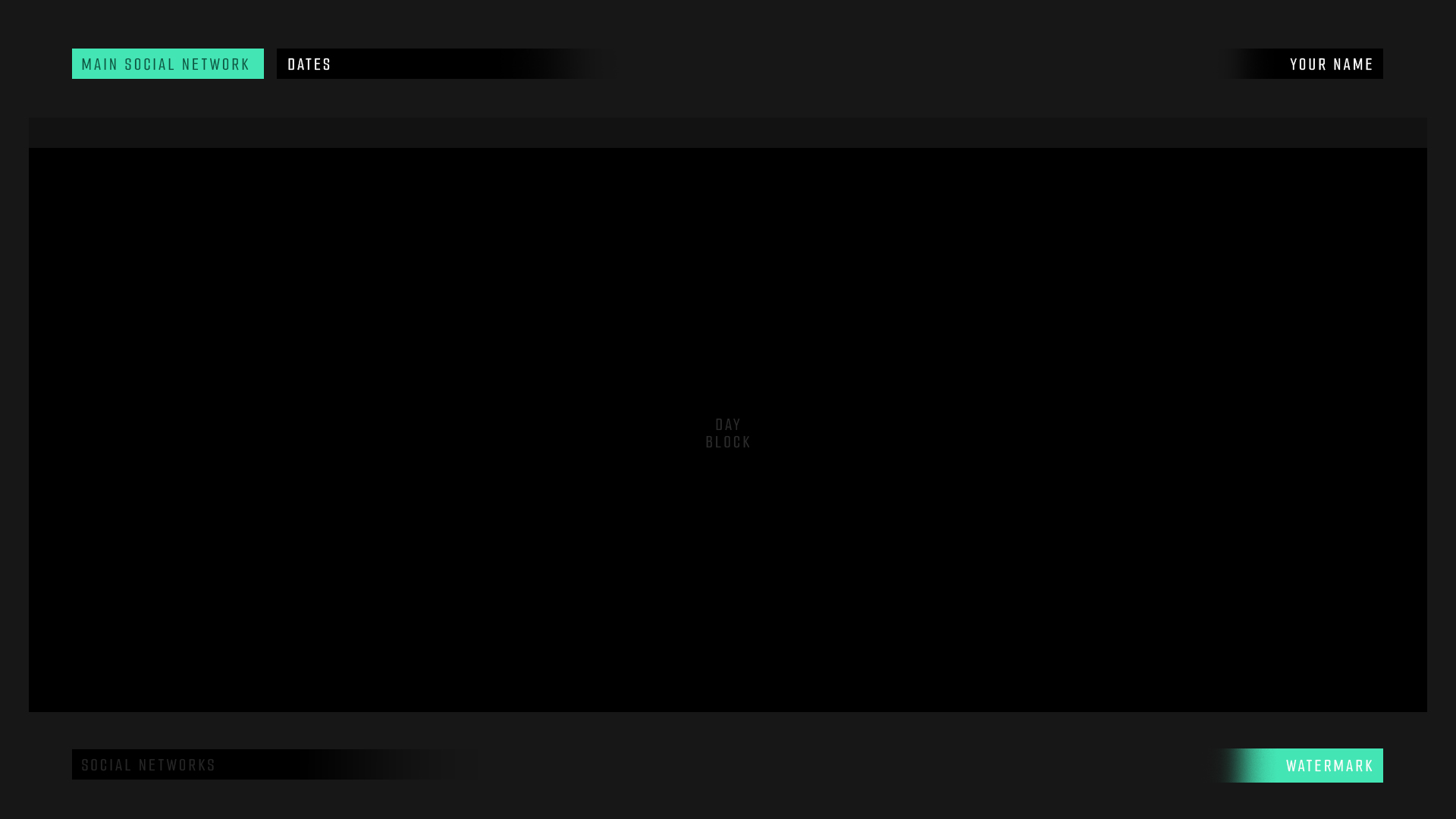
To customize your schedule’s background image, Skedul recommends using a 1920×1080 pixel format for Desktop and 1080×1920 pixels for mobile. You can find a template below if you want to take your customization to the next level.
A 2MB file size limit is in place. If your image is the correct size but the file is too large, you can visit tinypng.com to optimize it.
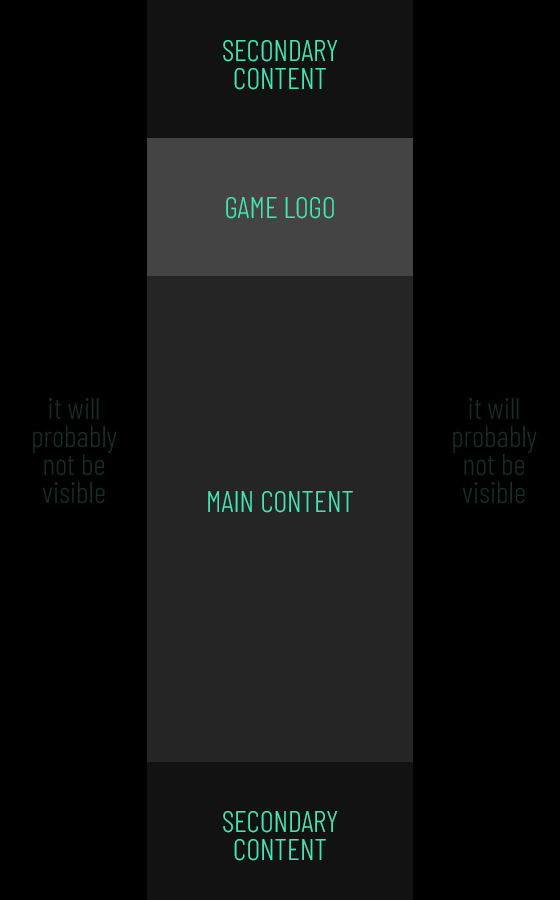
Find our templates below to optimize the artwork for your activity cards.
On Desktop, if you have a maximum of 2 cards per day, we recommend using vertical formats with this template – Ideal size: 560px x 900px.
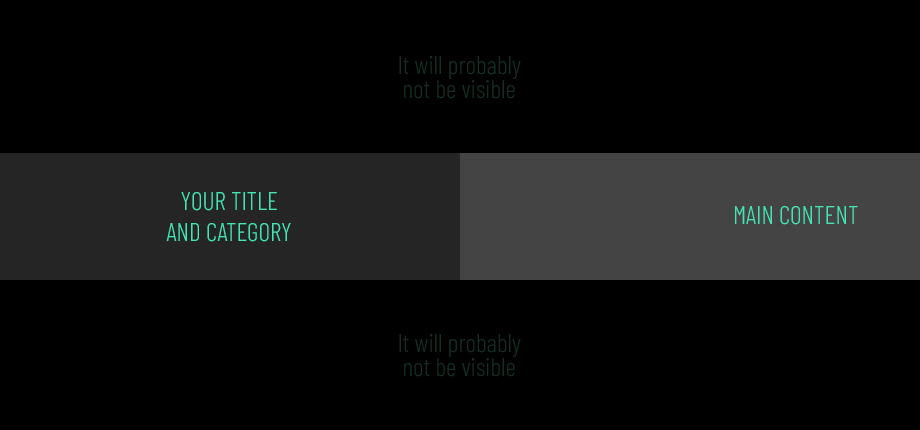
On mobile, a horizontal format is preferred for activity artwork – Ideal size: 920px x 430px.
Yes, Skedul Studio allows you to create your stream schedule for free with our Bronze plan. You can also opt for the Gold version, which gives you access to numerous additional features—you can find all the details on our Pricing page.
To access a wide range of additional features—such as mobile format export, advanced color management, or saving and reusing your Stream Cards—opt for our Gold plan! For more information, check out the details of our offer here.
Skedul is here to help you create a custom design for your stream schedule, fully optimized for our platform! We can also provide tailor-made Stream Cards for your recurring (or one-off) streams.
Find more information on our Design page, or ask us for more details directly by contacting us via the form.
To take your Twitch schedule to the next level, you can easily upgrade from your Bronze (free) plan to the Gold plan. To do so, visit our Pricing page, select your preferred billing cycle (monthly or annual), and click on “Go Gold.” You will then be redirected to our secure payment platform (Stripe). You also have the opportunity to try the Gold plan for free for 14 days!
Yes. You can cancel your subscription by going to your Streamer account: in the “My subscriptions” section, click on “manage my subscription” and then on “cancel my subscription.” Please feel free to tell us why so we can keep improving our tools. Please note: if you were benefiting from a “lifetime” promotional offer, it will no longer be active if you decide to resubscribe later.
To contact Skedul, whether you have a question about creating your schedule or any other topic, please visit our contact page.